ADL450B radio
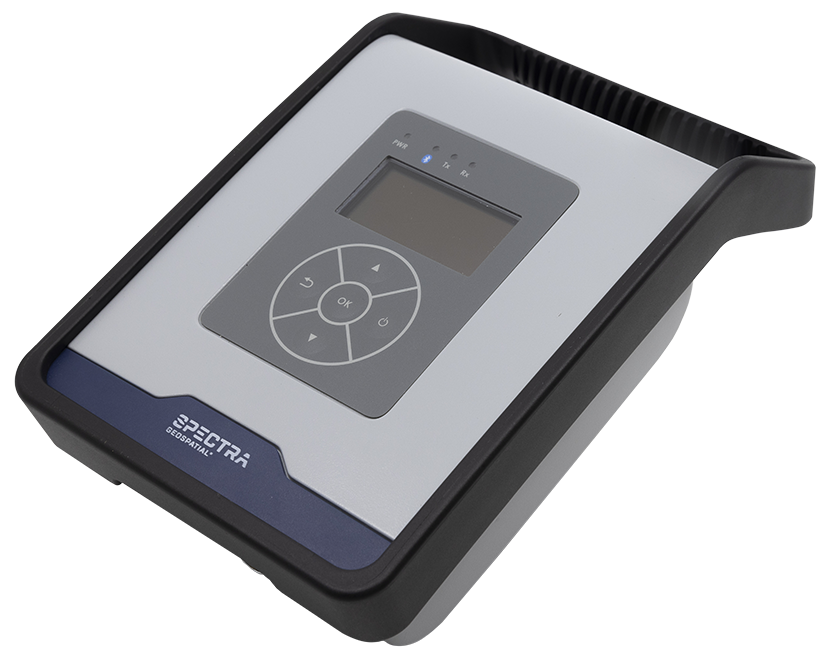 The high-speed wireless Spectra Geospatial ADL450B UHF data radio broadcasts, repeats and receives data used by Spectra Geospatial GNSS receivers for real-time correction data. Solve signal strength issues and make adjustments to stay productive, even in the toughest conditions. With advanced wireless Bluetooth communication and rugged design, the ADL450B UHF radio enables easy integration with GNSS receivers, even in harsh environments.
The radio has a user interface designed to offer full control over the radio field setup, and contains useful tools to troubleshoot and optimize your setup.
Specifications
Frequency range: 410 MHz to 473 MHz (depending on the region; some channels are not allowed)
Over-the-air link rate: 4,800 bps to 19,200 bps
Configurable maximum Tx power: Up to 35 W
Corrections for GNSS receivers: 1 Hz RTK
Environment: IP67 rated
Vibration: MIL-STD-810F
For full specifications, go to https://spectrageospatial.com/adl450b/.
Cables
Radio to PC
-
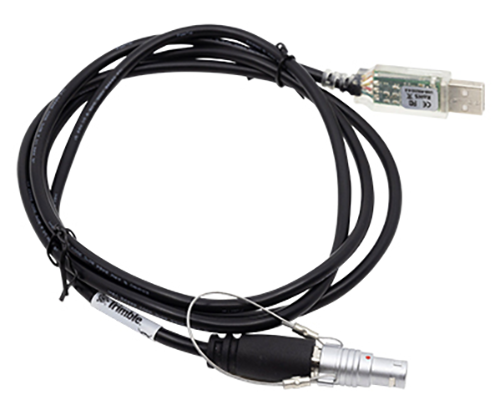
P/N 130927: Connects the radio to a PC:
Data cables
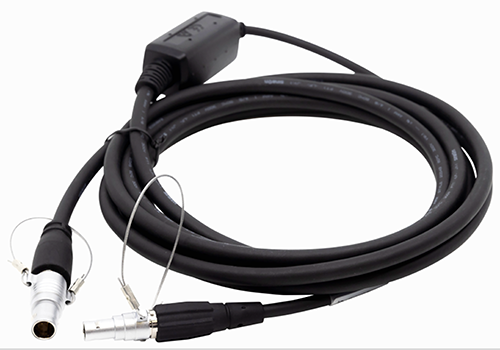
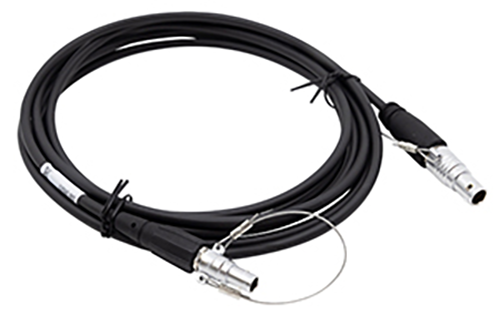
The following data cables used to connect the radio with various Trimble and third-party GNSS receivers.
-
P/N 130916 connects to an
-
P/N 130918 connects to the Lemo port (COM1) on an
Power cables
The power cable accessories for the radio are:
-
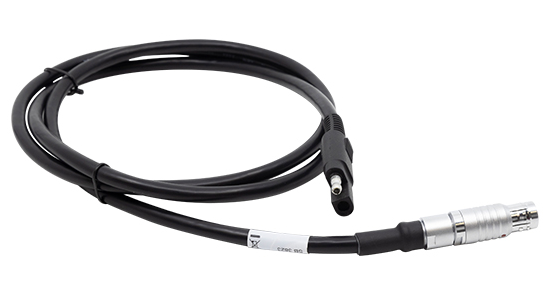
P/N 130919: TDL450B radio SAE power cable
-
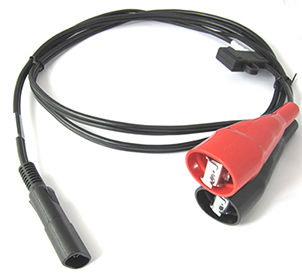
P/N 83223-02: Cable - Power 1.8 m SAE to battery clips
-
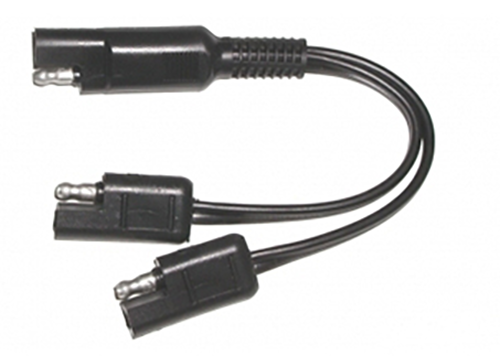
P/N 89073-00: Cable - Splitter 0.25 m SAE to SAE/SAE
Connecting the radio and receiver
-
Ensure the receiver has firmware version 5.64/6.24 or later installed.
-
Connect the radio to the receiver by either using a serial cable or Bluetooth connection.
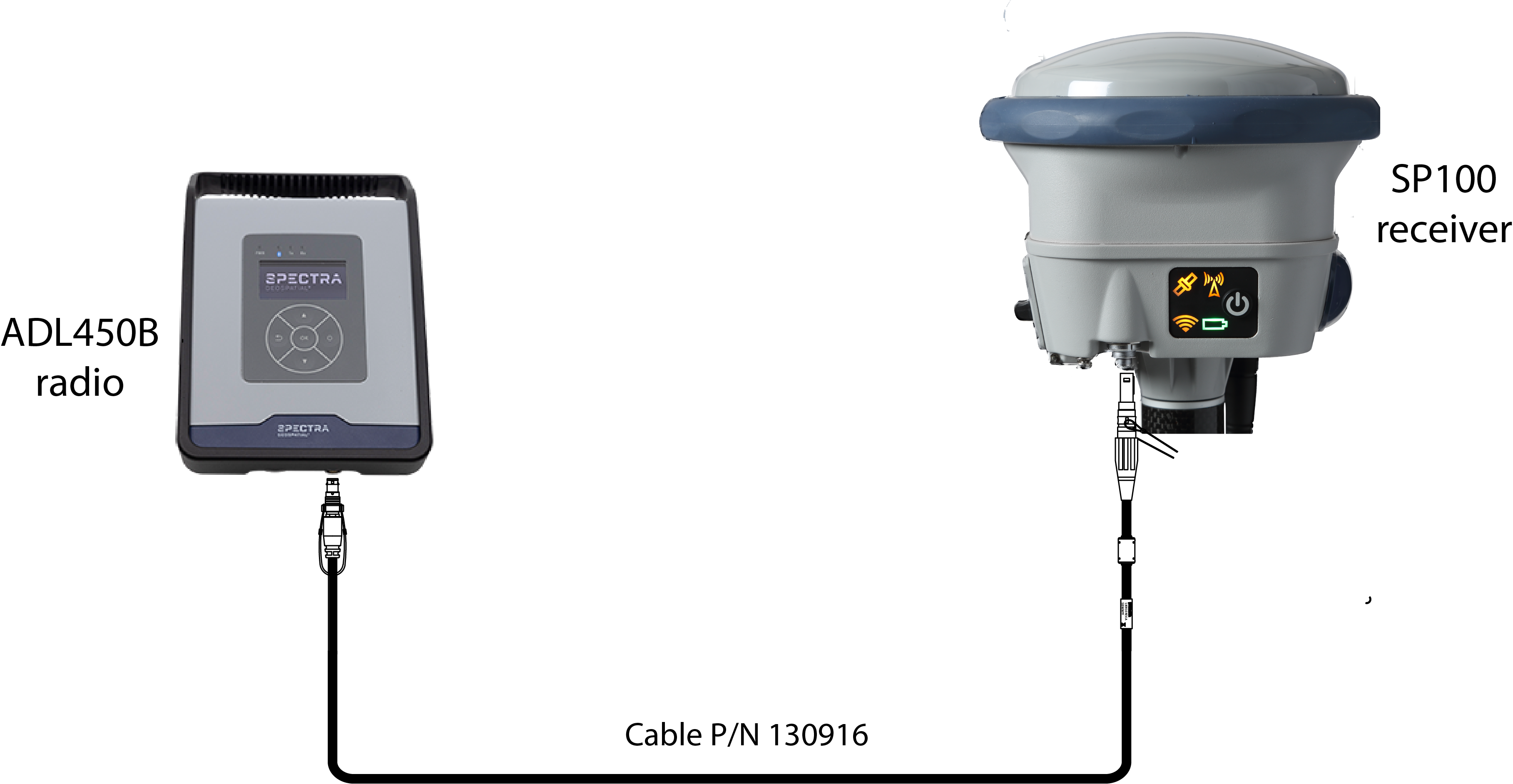
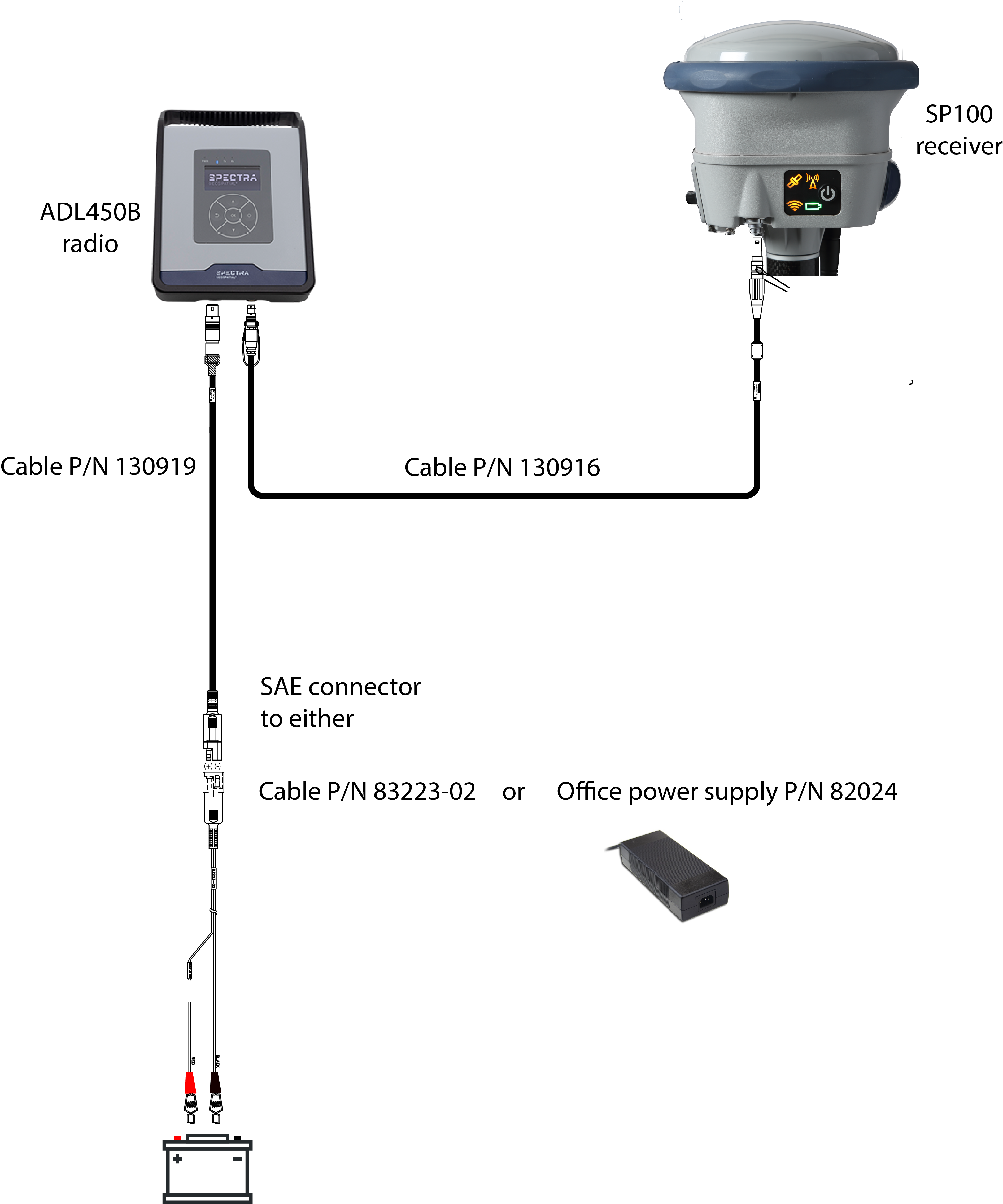
Refer to the ADL450B Radio Help - Installation.
-
On the radio front panel: Enable the Remote Control option in the Device Settings menu.
Refer to the ADL450B Radio Help - Device Settings.
-
From the receiver web interface:
-
Configure an i/o port for the radio stream. Select I/O Configuration / Port Configuration. In the first list, select either a Bluetooth or Serial Port option. In the second list, select EXT-RADIO. Select Enabled and click OK.
-
Set the receiver to use the external radio. Select Radio / Radio Selection and then select External radio.
-
If necessary, make any changes to the radio settings. Select Radio / Radio Configuration. Changes made in the web interface are updated in the radio.
-
More information
Refer to the ADL450B Radio Help.